Transparency pilot documents, injunction type filter, improved date listings and hover functionality
Read on for more details about these released features. If you would like to gain a deeper understanding of these updates, join us at one of our upcoming live training sessions (sign up here), or email us at info@solomonic.co.uk.
The Commercial Court transparency pilot
January 2026
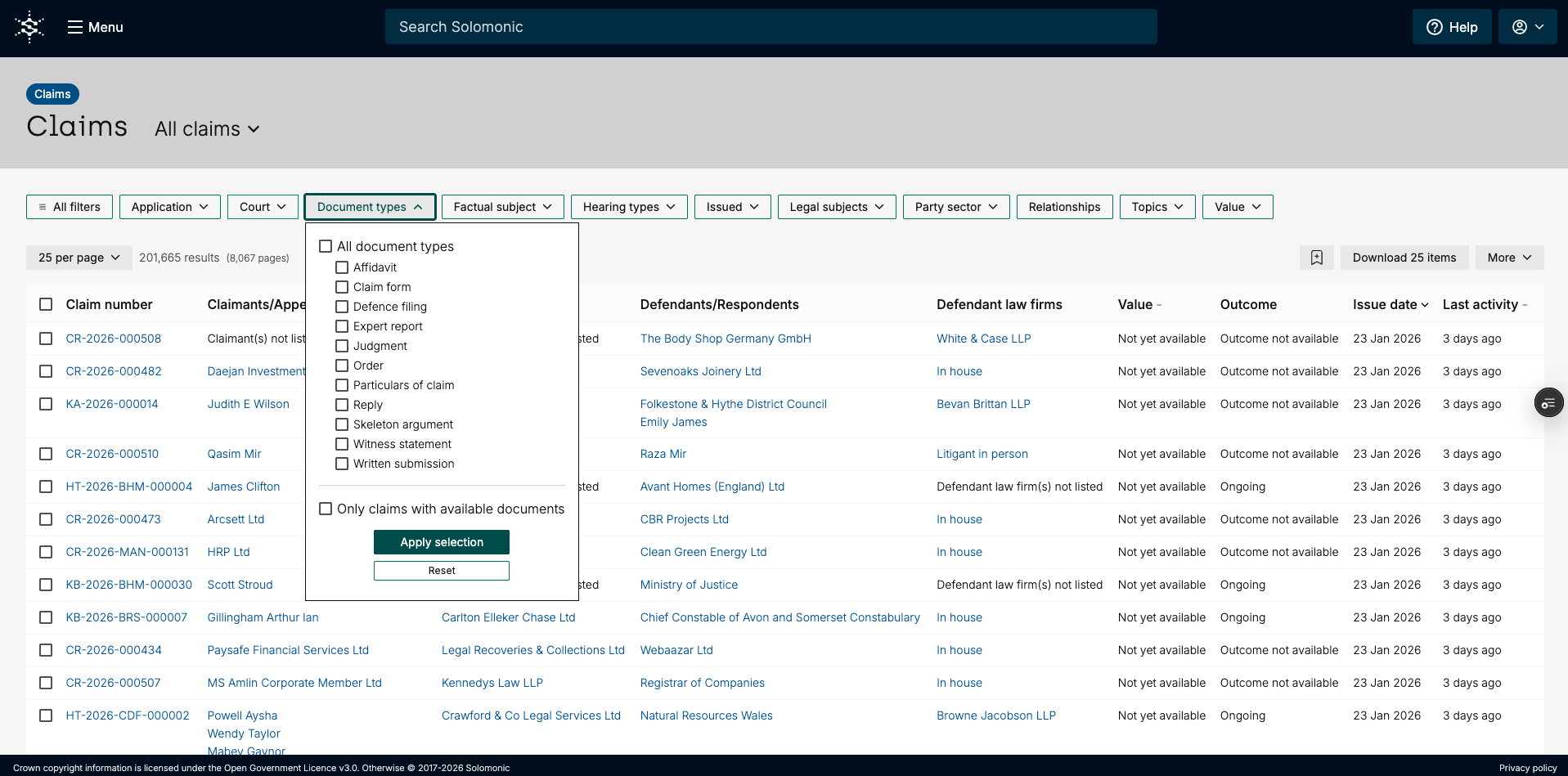
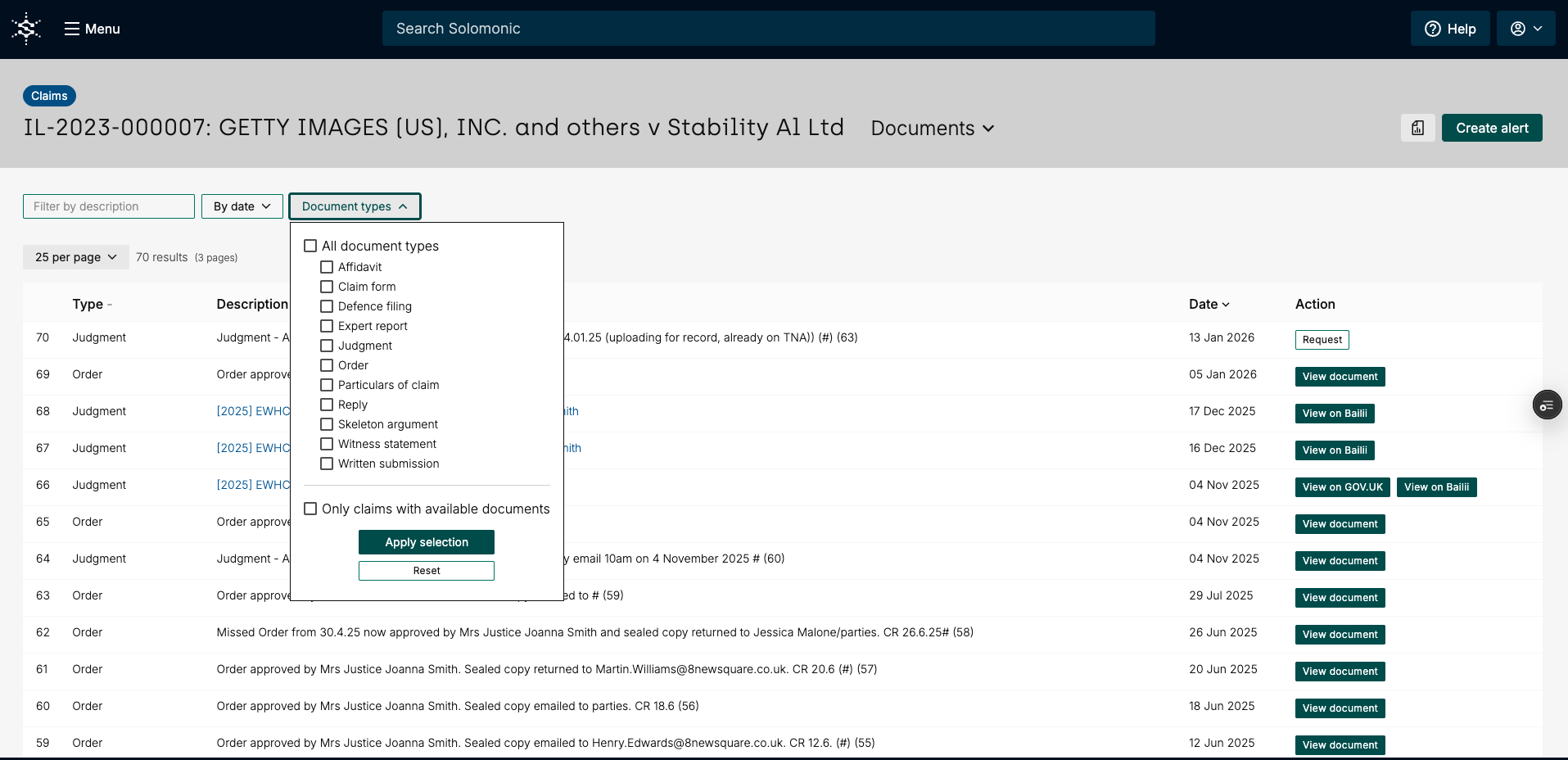
Access to Public Domain Documents
The Transparency pilot has now formally launched and we’re pleased to share that we’ve begun collecting these documents and publishing them on the Solomonic platform as they become available.
Injunction type filter
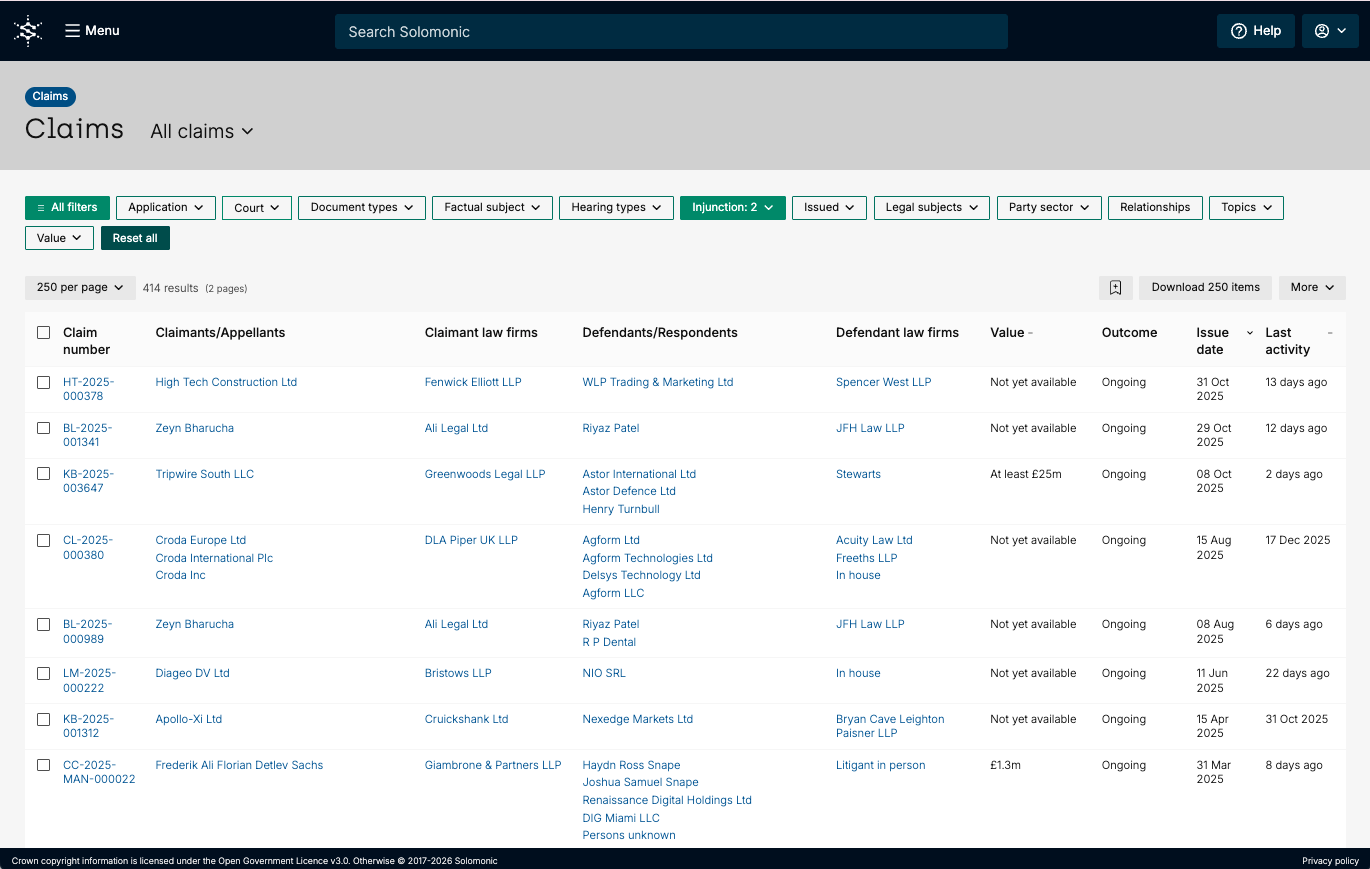
Filter through claims by injunction type
You can now filter claims by injunction type, making it easy to identify and interrogate claims with, for example, anti-suit or freezing injunctions. To do this, go to the claims listing page and click All Filters to open the full filter panel. Select Injunction from the options and choose the injunction types you’re interested in. You can also monitor these claims by favouriting the claims listing page with the filter applied.
Should you have any questions about this release, please do email us at info@solomonic.co.uk.
To make these easier to access, we’ve added the new document types to the document type filter, allowing you to quickly and easily locate them. The main categories covered by the Pilot are:
Written submissions - skeleton arguments and written open and closing submissions, as well as other submissions provided to the judge in the course of the hearing
Witness statements/affidavits
Expert reports
Please note the Pilot only applies to:
The Commercial Court (including the London Circuit Commercial Court) and the Financial List
Documents which can enter the public domain via a hearing which takes place in public
You’ll also start to see these additional document types appearing in the Recent Activity section of claims, giving you greater visibility as new documents are released.
Actual dates
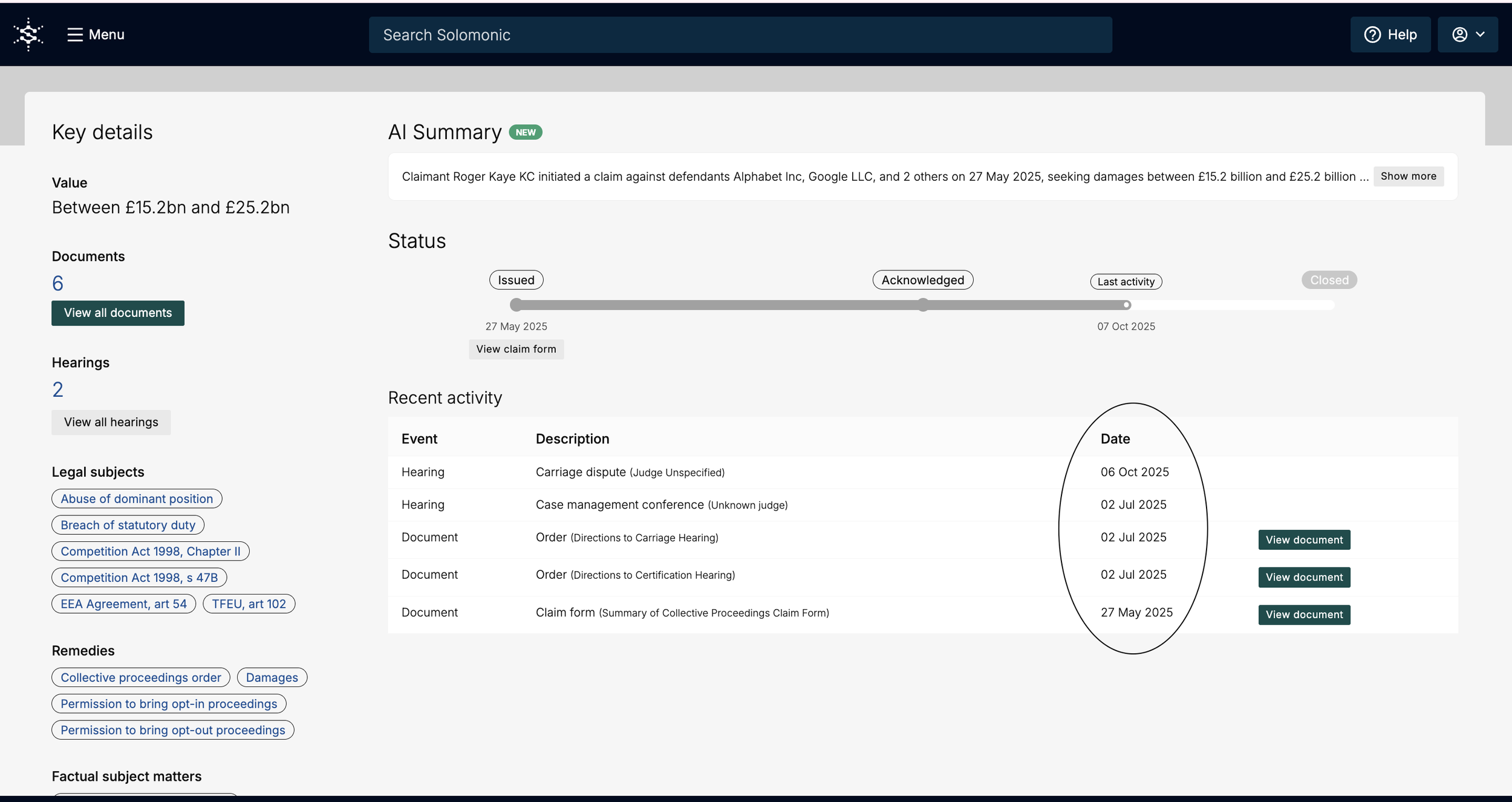
You can now see the actual dates of documents and hearings for claims
Previously, dates were shown in relative terms (for example, “1 year ago”). We’ve updated this to display exact dates, making it easier to compare hearings and documents and to drill down into specific events.
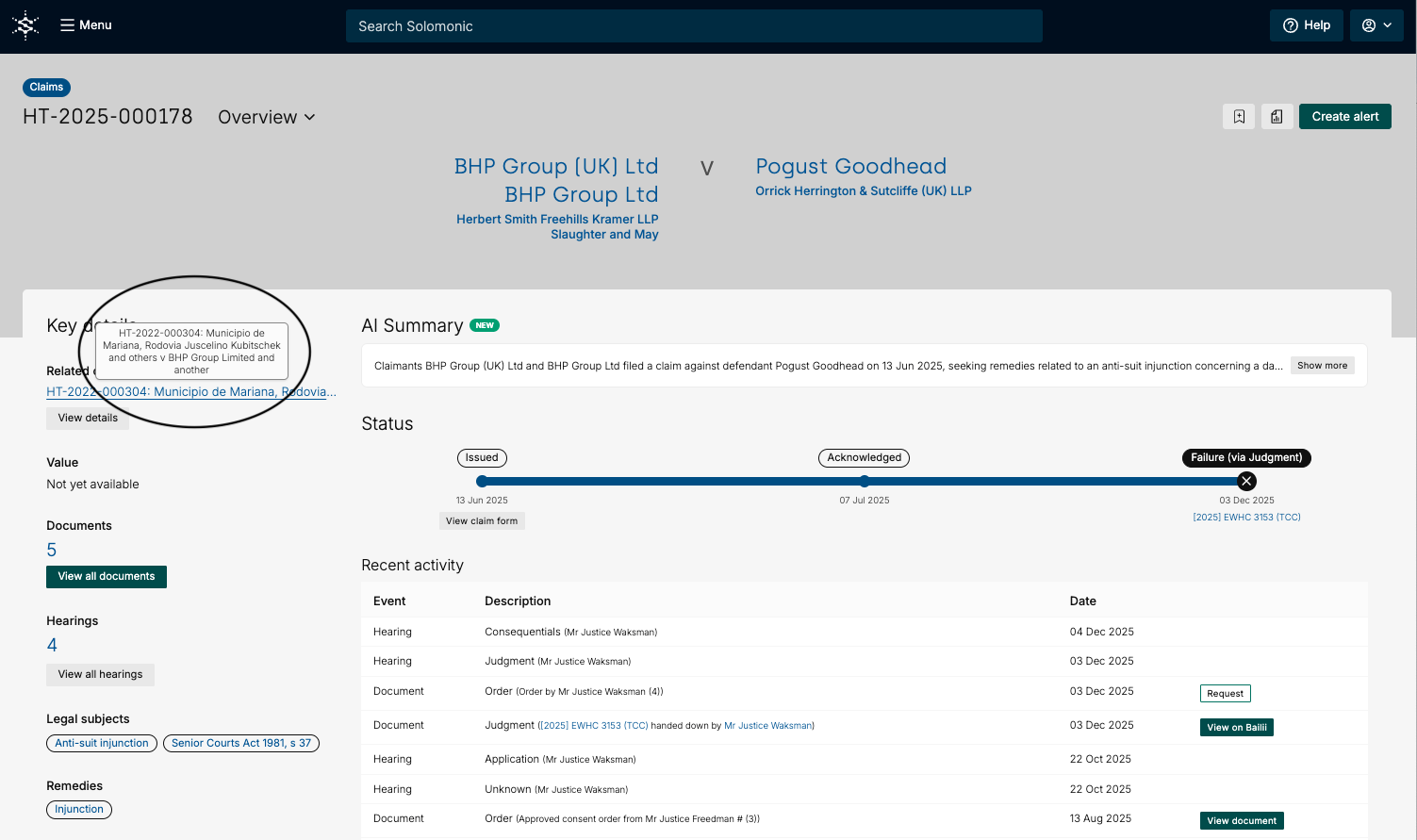
Hover over related claims
Hover over related claims to see the full claim title
Instead of having to click into the claim to see the full details of the claim, you are now able to hover over the link to view the full details of the claim.